A HALLOWEEN GIFT FROM PENNY ROYAL & CALIBER PRESS
Your Halloween treat.
A Christmas nightmare.
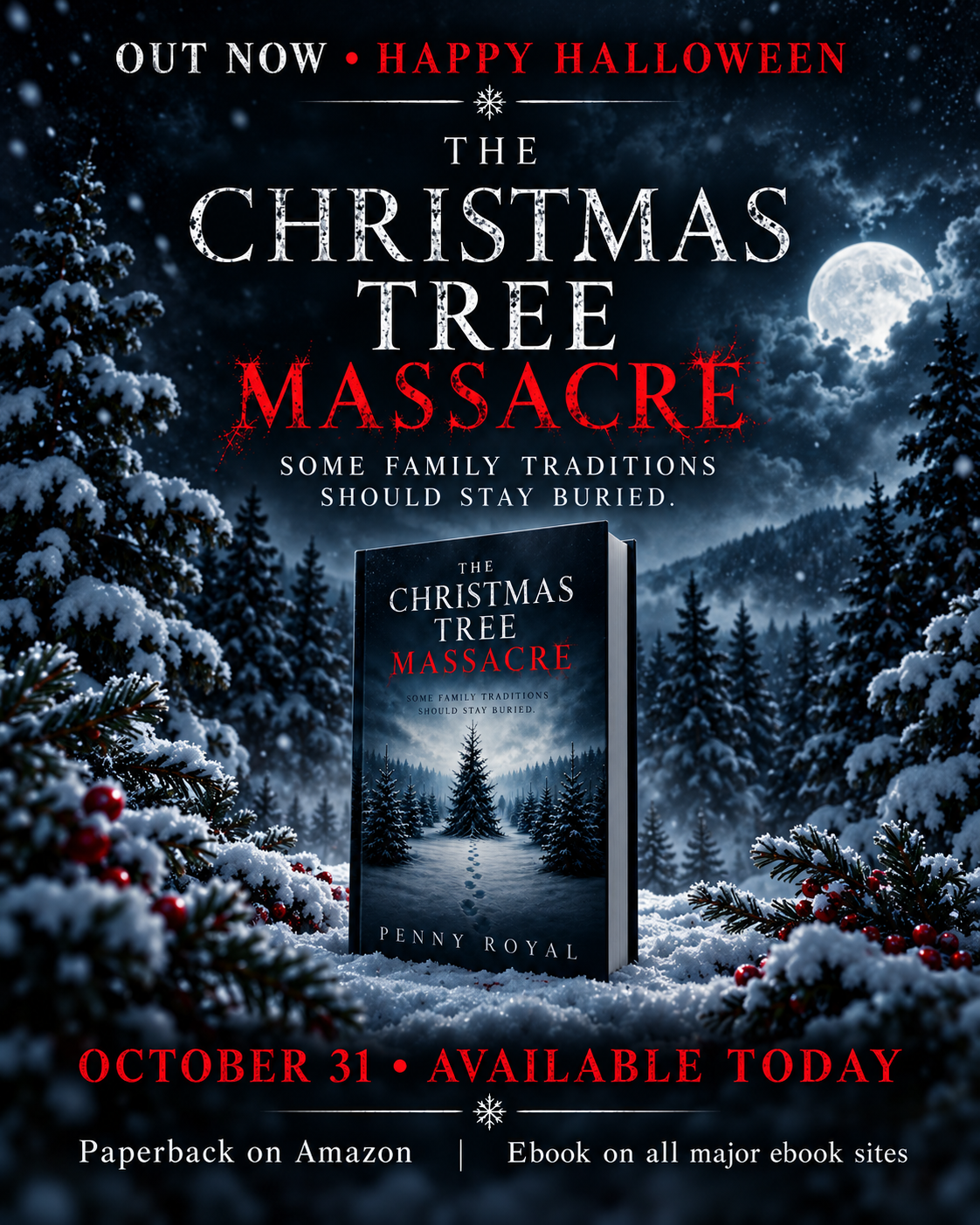
The Christmas Tree Massacre
A dark tale from Penny Royal. Join her newsletter and receive a free ebook copy to celebrate Halloween and release day.
This offer is for the EPUB ebook. Paperback copies are available separately. The ebook is also available through major ebook retailers.
OCTOBER 31 ONLY · FREE EPUB
Claim your copy.
Sign up and confirm your email address. Your download will arrive in your inbox automatically.
Offer ends October 31, 2026 at 11:59 p.m. Pacific. By signing up, you join Penny Royal’s newsletter for book news and occasional offers. Unsubscribe anytime.
This Halloween giveaway has ended.
Thank you for celebrating release day with us. Visit Penny Royal on Instagram for current book news and purchase links.
Please enable JavaScript to use the signup form.
Adult horror · Read the content warnings (spoilers)
Attempted rape of a minor; death of children; cannibalism; graphic deaths of other characters.
We use MailerLite to manage subscriptions and deliver this ebook. Read our Privacy Policy. Your download is a personal reading copy; please share this giveaway page rather than the ebook file.
How to read your downloaded ebook
Your download is a standard .epub file. Save it to your device first—no paid EPUB app is required. These instructions will stay here after the giveaway closes.
- Windows PC: Install the free Thorium Reader. Open Thorium and import the downloaded EPUB from your Downloads folder.
- Mac: Open Apple Books, choose File → Import, and select your downloaded EPUB. You can also try double-clicking the file. Apple Books instructions.
- iPhone or iPad: Save the EPUB to Files. Find it in Downloads, tap or touch and hold it, then choose Share → Books. If Books is not shown, look under More or install Apple Books from the App Store.
- Android: Install Google Play Books. Find the EPUB in Files or Downloads, then choose Open with → Play Books or Upload to Play Books. In the app, look under Library → Uploads. Google’s upload instructions.
- Kindle device or Kindle app: Visit Amazon Send to Kindle, sign in to the Amazon account you use for Kindle, and upload the EPUB. Add it to your library, then sync your Kindle or app. Use Send to Kindle rather than copying the EPUB directly to a Kindle by USB.
Can’t find the file? Check your Downloads folder. A browser may download the EPUB without opening it; that is normal. Open it from a compatible reading app. You do not need to rename it, unzip it, or purchase the book again.
Already a reader? Thank you for supporting independent horror. If you enjoy the book, an honest review on Amazon or Goodreads is always appreciated, never required.